Tabscreen
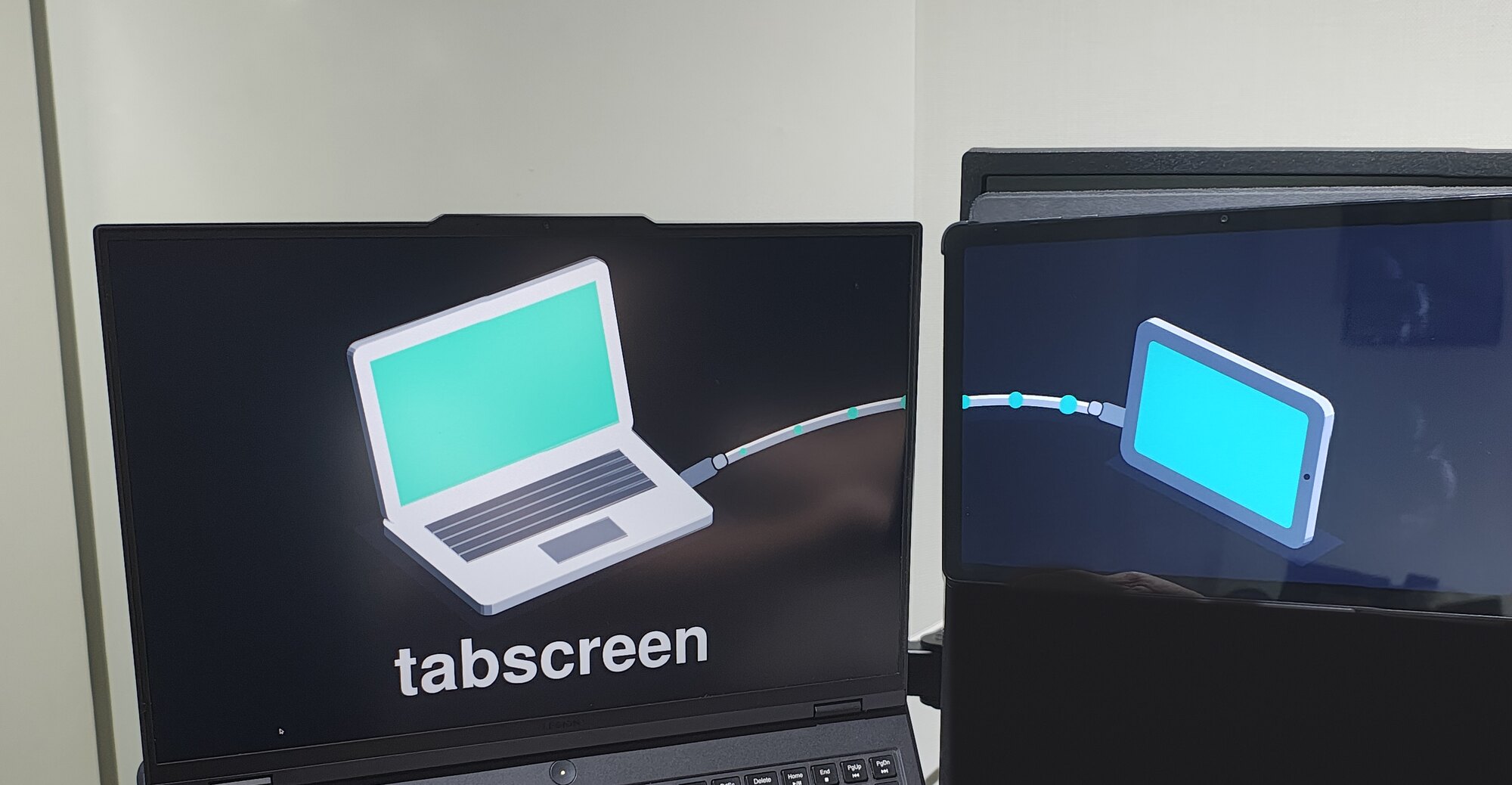
Use an old Android tablet as a real second monitor for a Linux desktop, over USB only: no Wi-Fi, no network stack.
The problem
I wanted to put an old tablet next to my laptop and use it as a second screen. I could not find a current project that did it, so I built one.
What it does
The tablet plugs into a USB port and shows up on the Linux desktop as a genuine monitor, a real X11 RandR output that you arrange with arandr like any physical display. Touching the tablet moves the mouse on the host. Unplugging it deactivates the output automatically.
How it is built
- Virtual monitor: the host creates the screen as a real RandR output using the Linux kernel's
vkmsdriver, sized to the tablet's actual display. - Capture and encode: the host captures that output and encodes it to H.264 with hardware acceleration (VAAPI).
- Transport: the video travels to the tablet, and touch events travel back, over a raw USB connection using the Android Open Accessory protocol, the same kind of USB mode used by car head units. It is not a network protocol and does not need
adb. - Client: an Android app written in Kotlin decodes the stream and draws it fullscreen.
The host is a Rust daemon, installed as a systemd user service. It recovers on its own from a dead encoder or a drifting output.
What was hard
Most of the work was hardware reality, not the happy path. The tablet's hardware decoder tops out at a pixel count well below what its vendor driver advertises, so the stream size has to be narrowed. An attempt to place the screen on the left of the desktop collided with GNOME's display management and was reverted. Every decision like these is recorded as an architecture decision record in the repository.
Status
Version 1, open source under the MIT license. It works on one validated pairing, my laptop and an HONOR Pad X8a. It needs X11 (not Wayland) and shows the screen to the right of existing monitors.